

1
Start a Catalog shoot
Go to imagine.art/fashion-studio and click Catalog image (or Catalog video). This opens the Catalogue Shoot editor — the same editor as an Editorial shoot, with the same Mode, Model, Outfit, and Shot settings sections.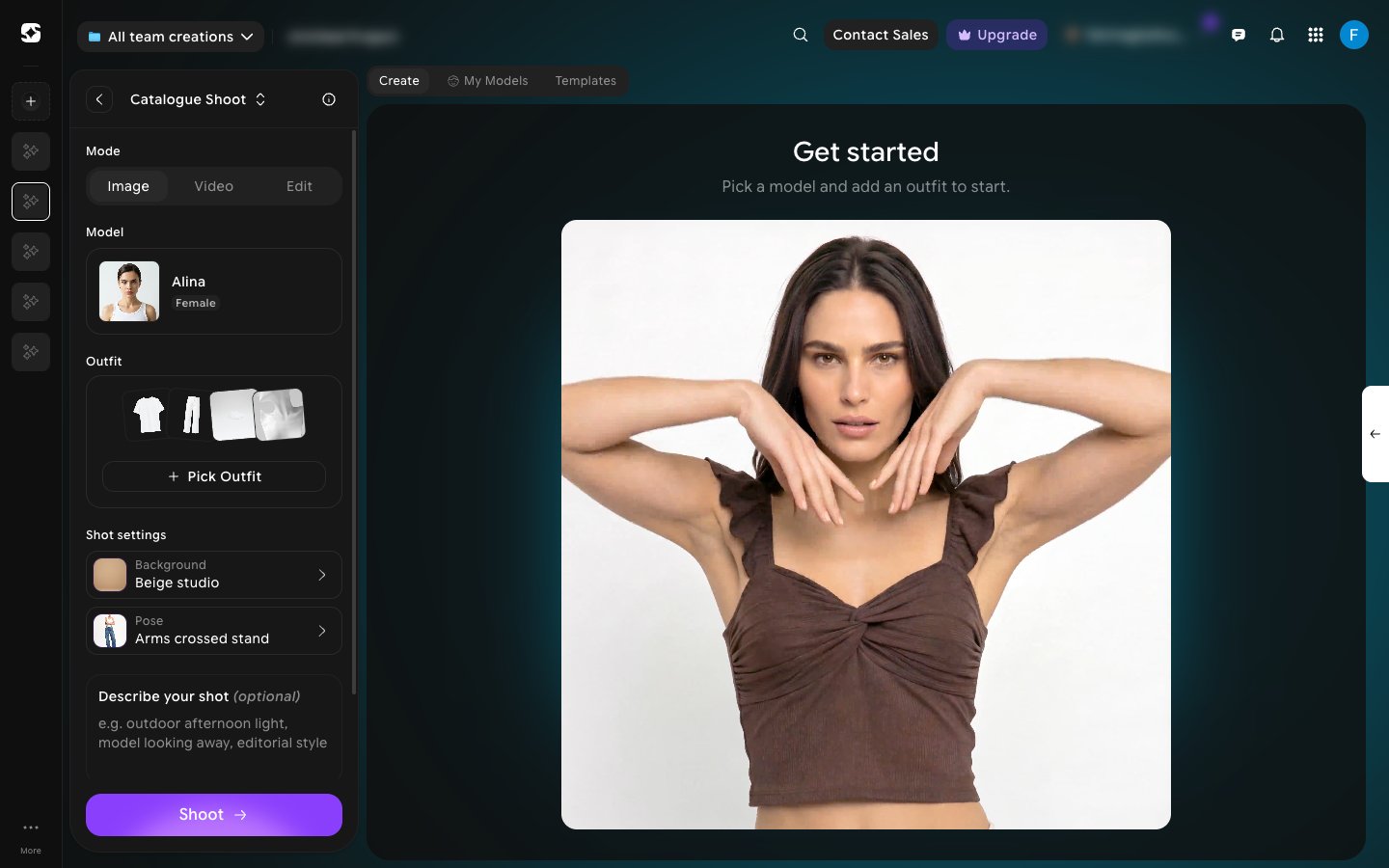
2
Build your shot
Pick a model, click Pick Outfit to choose the Top, Bottom, Footwear, and optional Accessories, then set a Background and Pose — the same controls as Editorial. Add optional direction under Describe your shot, set the Number of variations and aspect ratio, and click Shoot to generate.Mode also has Video and Edit options alongside Image.
3
Switch shoot type
Click the Catalogue Shoot title at the top of the panel to switch the project to Editorial Shoot or Lookbook.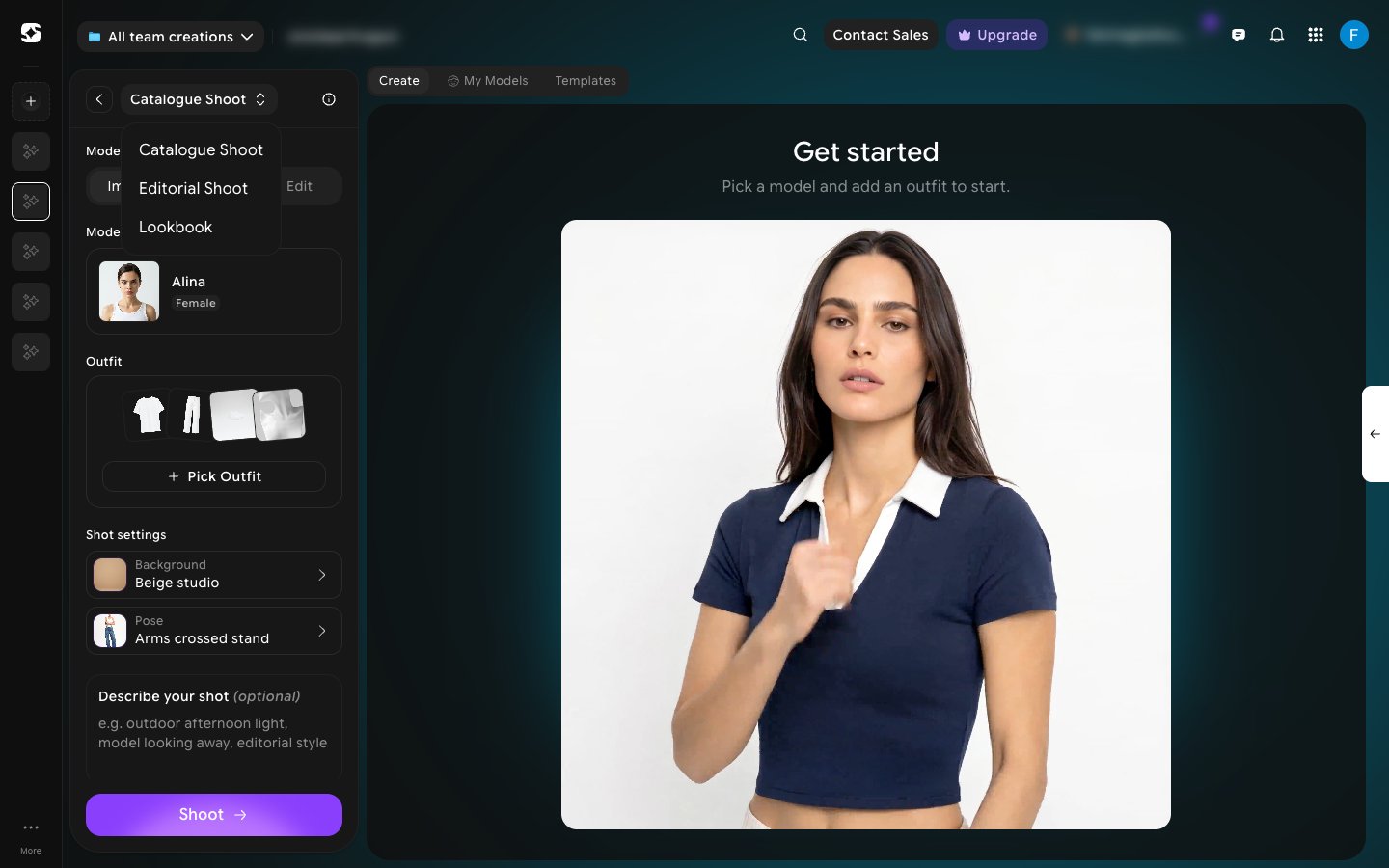
Looking for the more styled, campaign-oriented mode instead? See Editorial shoots.