

How to create clips
1
Open Auto Clipper
Go to Video Studio and select Auto Clipper under Choose a Mode.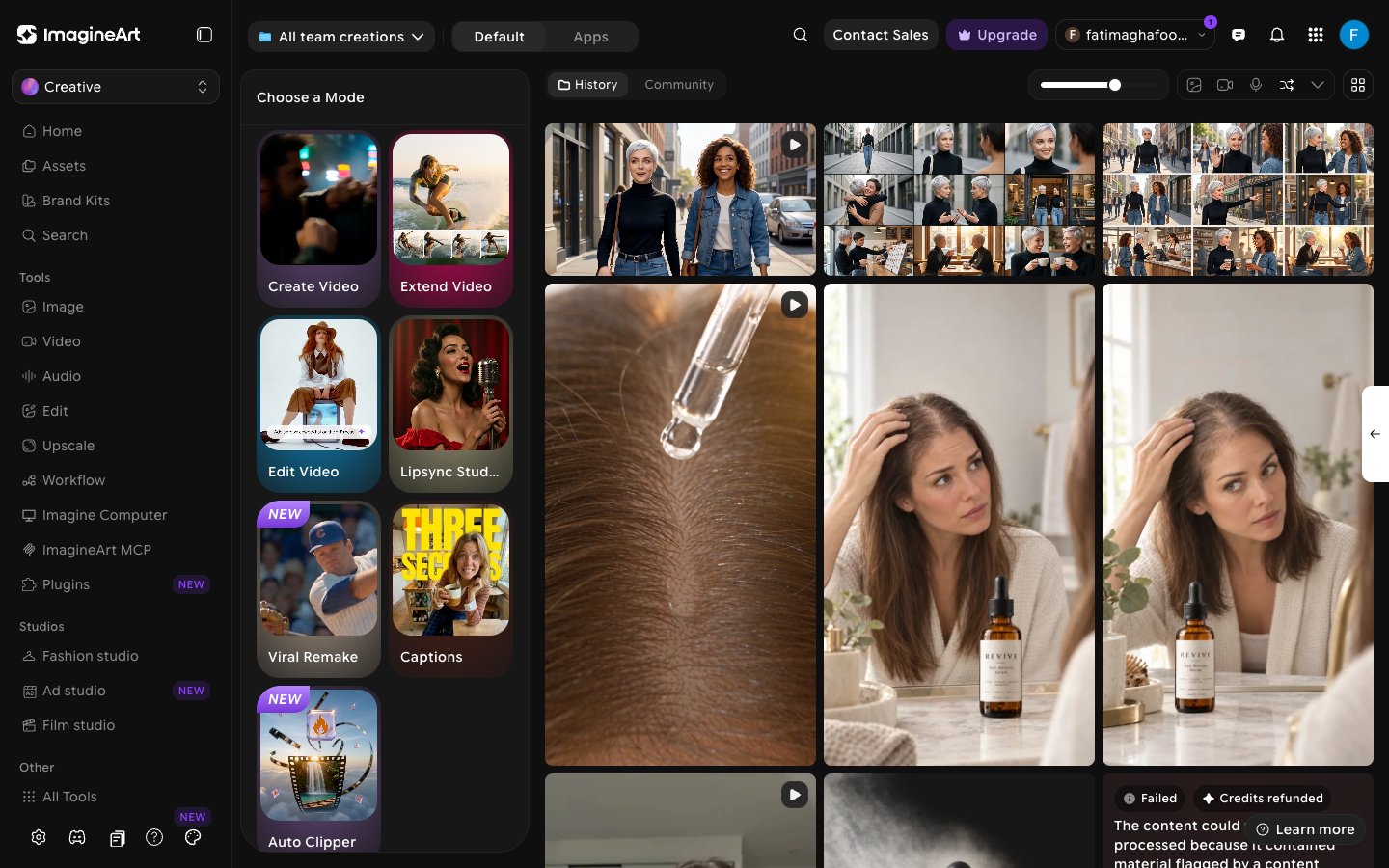
2
Add your video
Under Video to Clip, do one of the following:
- Paste a YouTube link into the Paste your YouTube video link here field.
- Click Or upload your video and choose an MP4 or MOV file, up to 100MB.
3
Configure your clips
Adjust the settings below the preview: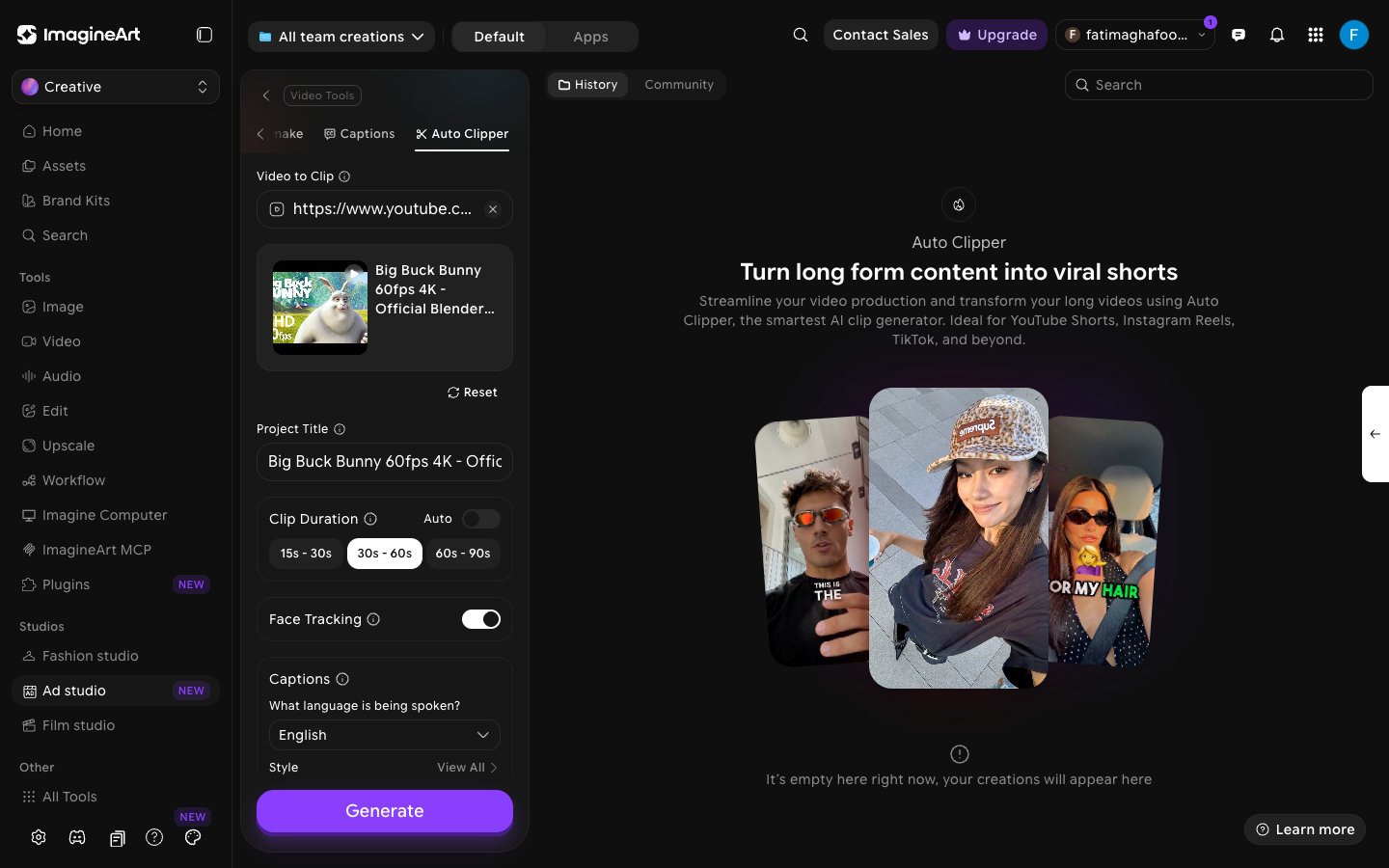
4
Generate
Hover over Generate to see the credit cost for your video, then click Generate. Your clips appear in History when they’re ready.
What to do next
Video Upscale
Increase the resolution of a clip before you publish it.
Copyright Checker
Check a clip for potential copyright issues before it goes live.