

Design taste as a first principle
Recraft v4 was built from scratch with professional designers — not just trained on datasets, but built alongside the people who use these outputs professionally. The result is a model that treats composition, color relationships, material realism, and typography as first-class concerns rather than afterthoughts. The standout capability: native SVG vector output — the only generative model that produces editable, layered vector files directly from a text prompt.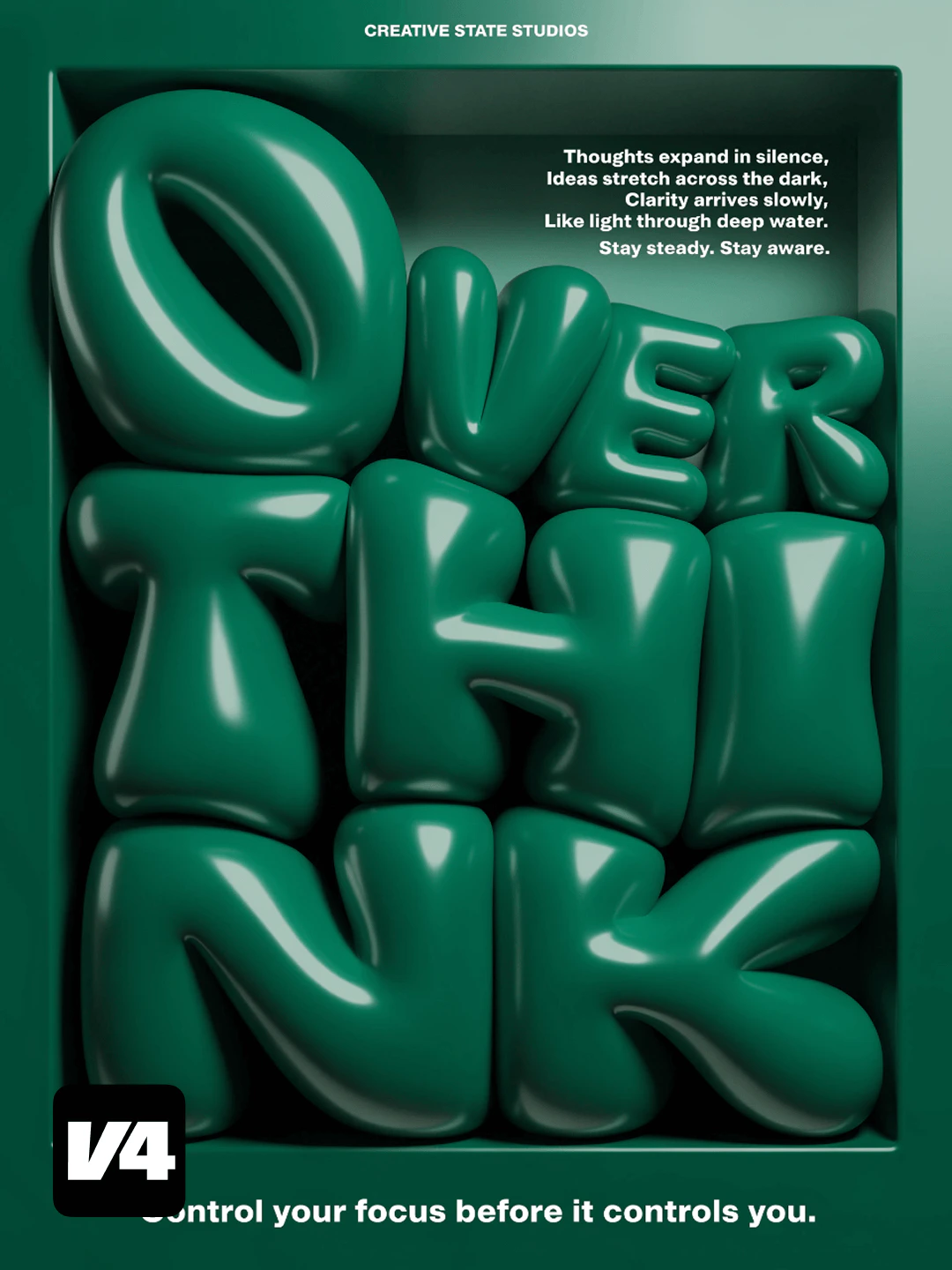

Capabilities
Production text rendering
Reliable, sharp text-in-image generation for infographics, menus, signage, packaging, and UI mockups — with accurate multi-line layout support.
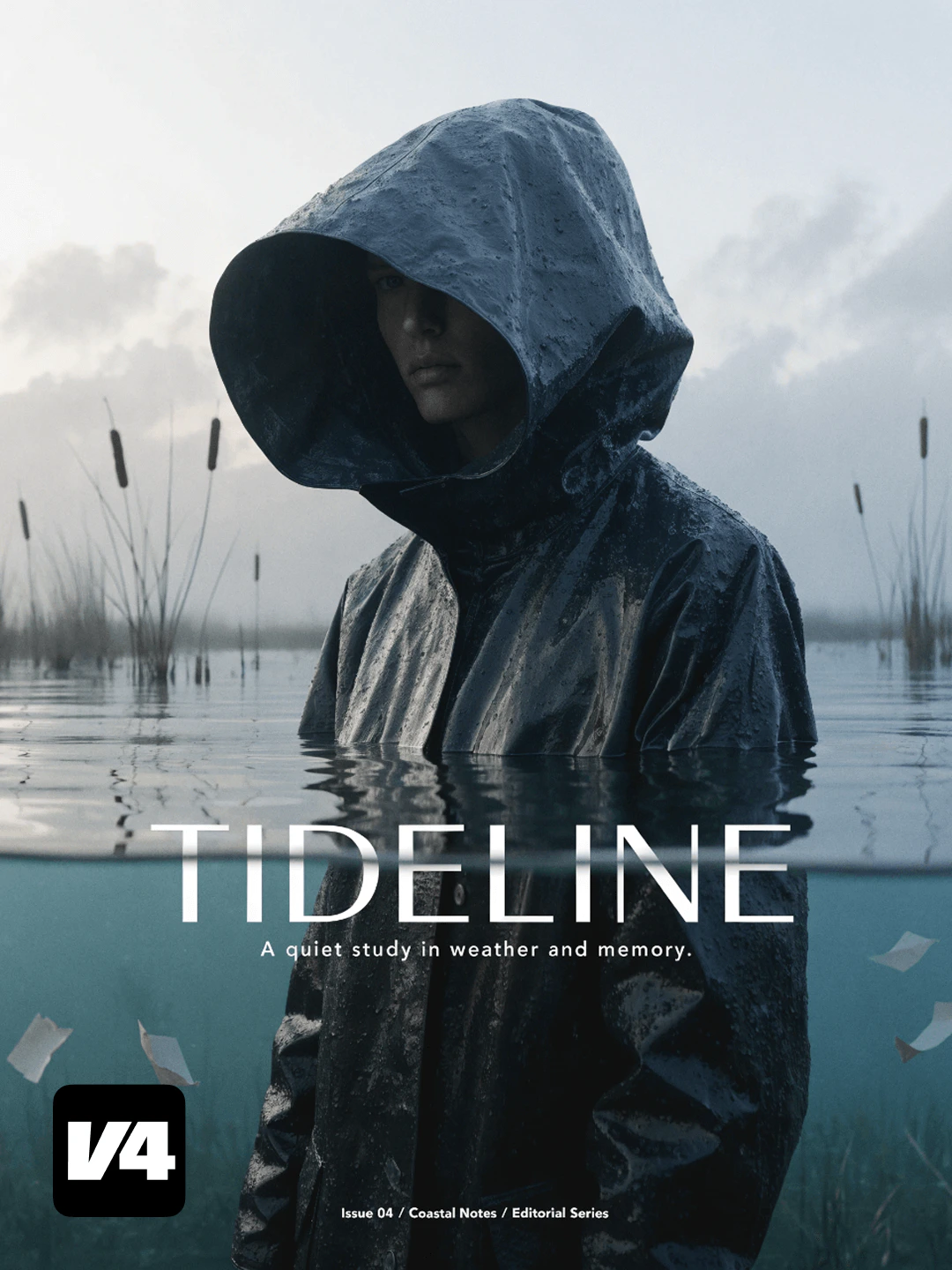
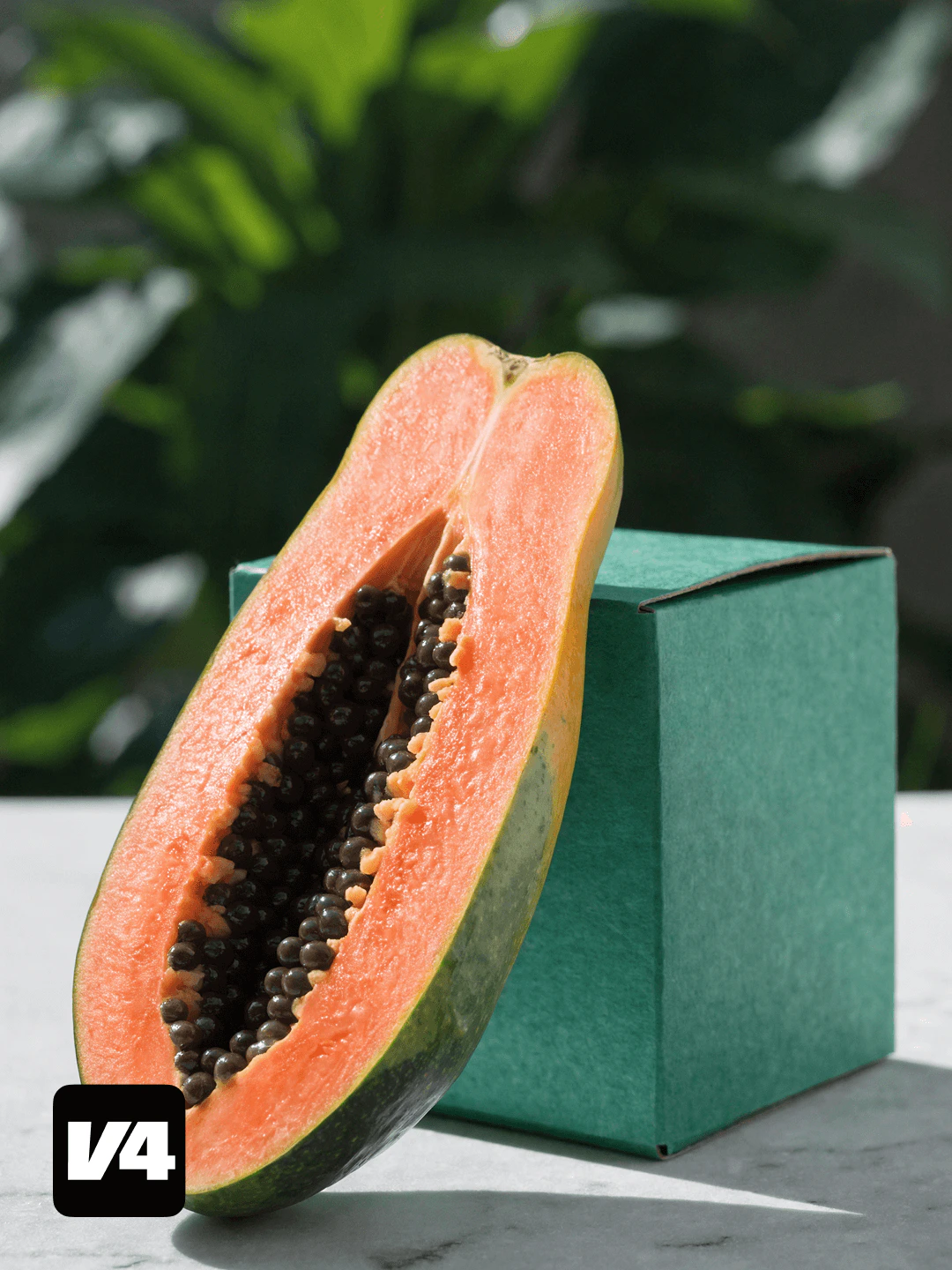
Design-taste composition
Trained with professional designers to produce images with strong compositional logic, cohesive color relationships, and authentic material depth.
Complex prompt adherence
Handles multi-element instructions with minimal element dropout — subject relationships, spatial positioning, and stylistic directives are followed accurately.
Specifications
How to use
1
Open the AI Image Generator
Go to the ImagineArt AI Image Generator.
2
Select the model
From the model dropdown, choose Recraft v4.
3
Write your prompt
Describe your design intent specifically — style, layout, color palette, subject, and mood. Recraft v4 rewards design-language prompts.
4
Choose output format
Select raster (PNG) for standard output, or vector (SVG) for scalable, editable files.
5
Generate
Click Generate. At ~10 seconds, Recraft v4 is well-suited for rapid design iteration.
Prompting tips
- Use design vocabulary — “flat illustration with muted earthy tones”, “editorial minimalism”, “bold typographic composition” produce stronger results than generic descriptions.
- Text placement instructions work — “Large bold sans-serif text ‘OPEN NOW’ centered, white on navy background, menu design” produces clean, accurate results.
- For SVG vector output — Simpler geometric compositions with clear subject separation produce the cleanest editable vector files. Complex photorealistic scenes work better as rasters.
Example prompts
A minimalist coffee shop menu board with “Morning Specials” as the header, items listed below in clean sans-serif, dark charcoal background, chalk-style illustration accents.
A tech startup logo concept: abstract interlocking geometric shapes, electric blue and white, clean vector style.
A flat-style world map illustration with major cities marked, soft muted palette, clean editorial design.
Compare models
Pick Recraft v4 when design quality, clean typography, or an editable SVG matters more than photorealism. For print-resolution output, see Recraft v4 Pro.